Numed Healthcare Offer Innovative Diagnostic Devices, Digital Signage Solutions and Medical Supplies.
Our Products
Please choose a category to see the products available.










Our Services

I³ Integrated Diagnostic Solutions
We integrate our products to make your diagnostic testing safer, faster & easier

MediServe Support
Our unique support package keeps your equipment running smoothly no matter what may happen

Installation & Training
We ensure that your equipment is installed and configured correctly and that all your staff are fully trained on how to use it

Diagnostic Rental Options
The Complete Solution for GP Practices on a Budget
Featured Products


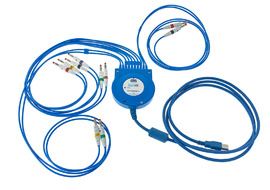
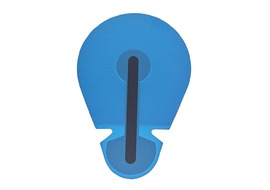
Clinical Systems
Our products are compatible and fully accredited with all the leading GP clinical systems. View the products that are compatible with your clinical system.




About Numed Healthcare
We understand the increasing demands that today's busy practice is under. That's why all Numed products are designed to make life easier for you. They simplify tests and procedures, save time and maximise QOF potential. In many cases our solutions will also help to reduce costs. All diagnostic and monitoring products are fully validated for accuracy and reliability. All products meet or exceed all relevant safety standards. Our first class technical support service, in conjunction with extended warranty as standard on some products, ensures complete peace of mind.